AI-powered
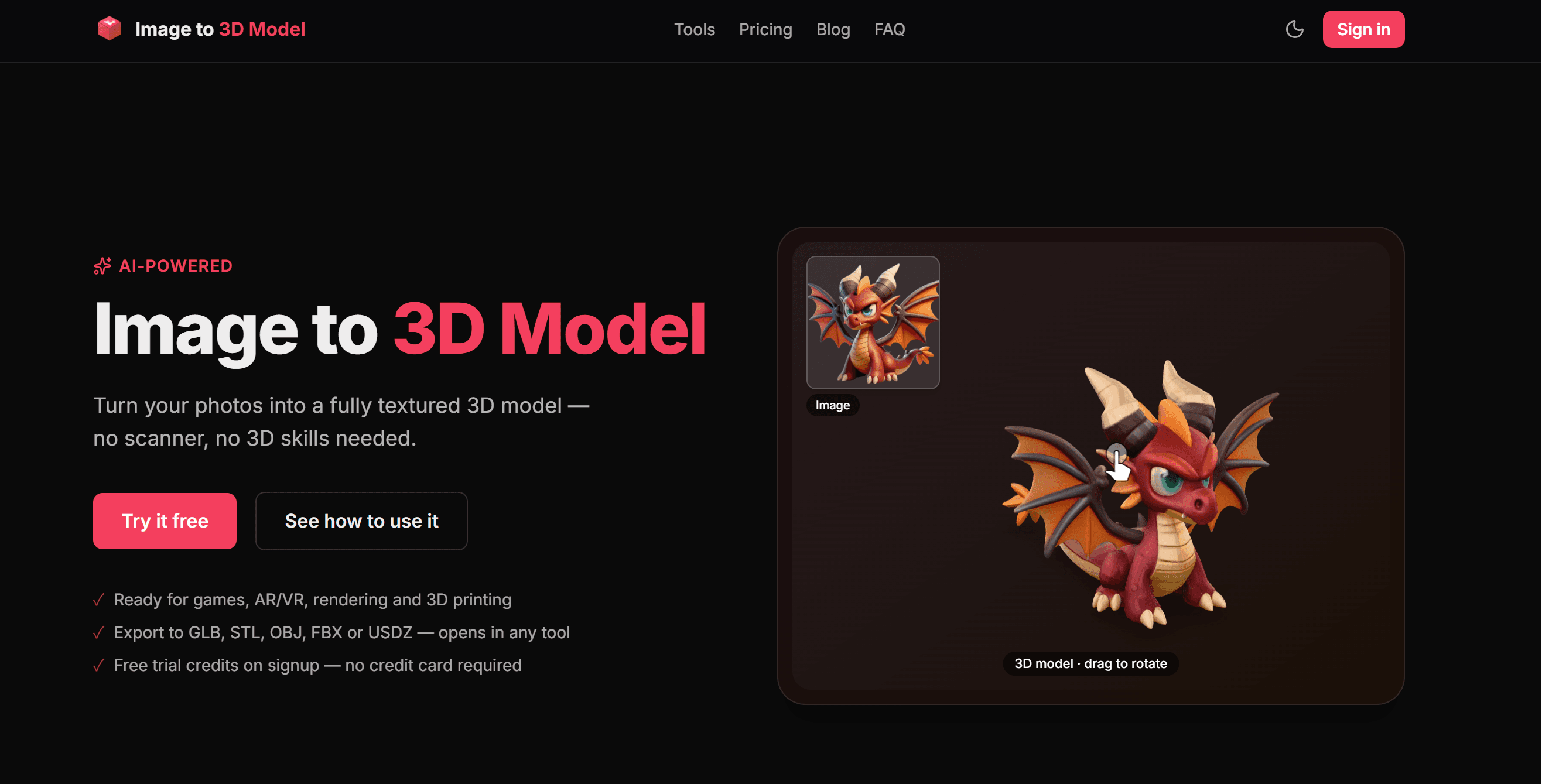
Image to 3D Model
Turn your photos into a fully textured 3D model — no scanner, no 3D skills needed.
- ✓Ready for games, AR/VR, rendering and 3D printing
- ✓Export to GLB, STL, OBJ, FBX or USDZ — opens in any tool
- ✓Free trial credits on signup — no credit card required

Try it — image to 3D model in minutes
Upload an image
PNG, JPG or WebP · one object per image · max 20 MB
or drag & drop it here
How to turn an image into a 3D model
Upload your image
Drop in a photo or rendered image of a single object. Real photos and 3D-style renders with clear lighting work best.
Drop image here
A single object on a clean background
AI builds the mesh
Our engine reconstructs geometry, then bakes color, metallic and roughness maps onto a clean UV-unwrapped mesh. Takes a few minutes.
Preview & download
Inspect the model in your browser in full 3D, then download it in the format you need — GLB for engines and web, STL for 3D printing, or OBJ, FBX and USDZ.
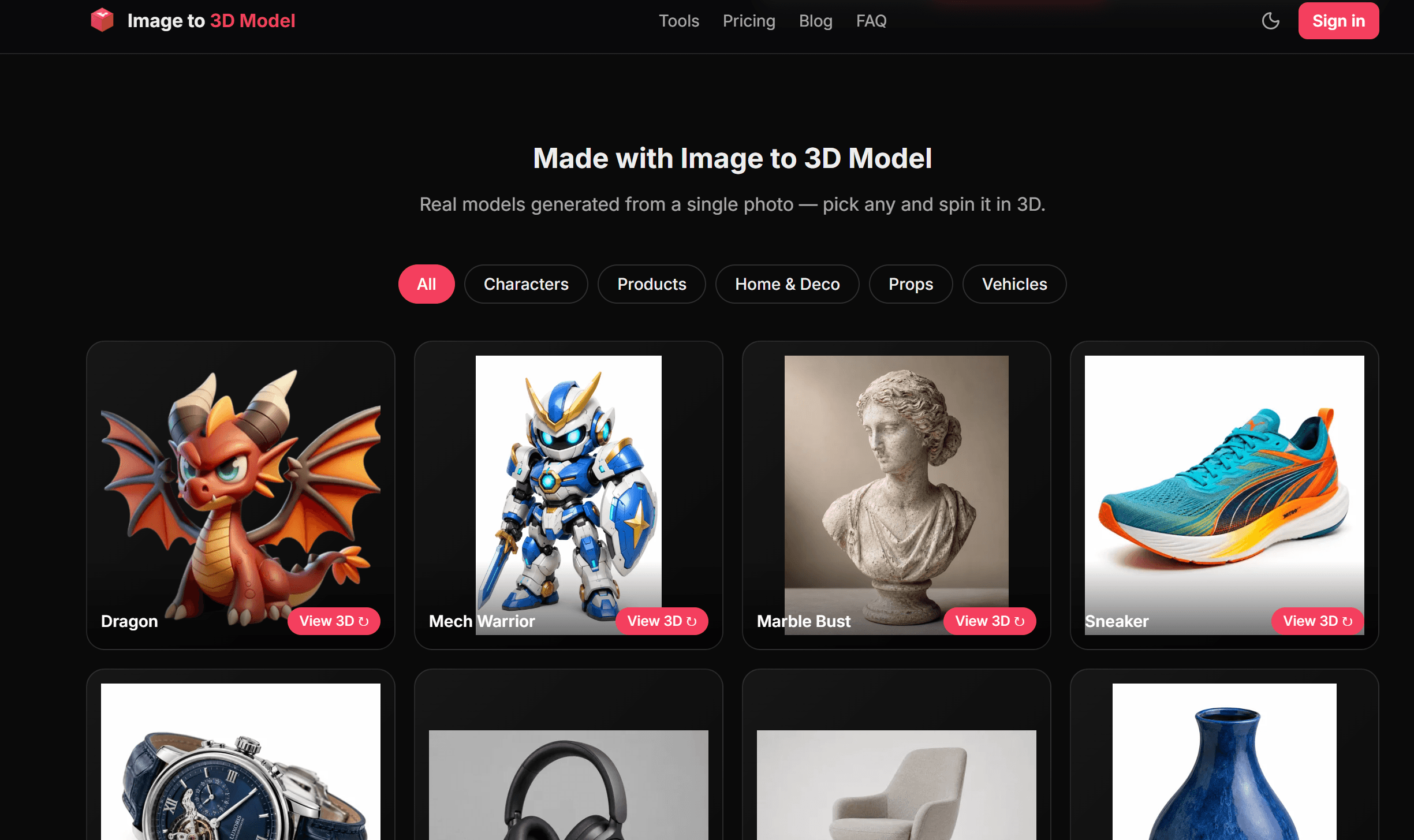
Made with Image to 3D Model
Real models generated from a single photo — pick any and spin it in 3D.
Why creators pick this image to 3D converter
High-fidelity geometry
High-resolution reconstruction captures fine detail as a solid, production-grade mesh — not a hollow preview blob.
True PBR materials
Baked base color, metallic and roughness maps render correctly in any engine — real materials, not flat color.
Clean, editable mesh
UV-unwrapped, remeshed topology you can refine in Blender or slice for 3D printing.
Opens in any tool
Export to GLB, STL, OBJ, FBX or USDZ — standard files with no proprietary extensions, so they open in Blender, Unity, Unreal, your slicer, and every modern tool.
Preview + production files
A tiny draco GLB spins instantly in your browser; the download is a max-compatibility standard file — right format for each job.
Fair pay-as-you-go
Buy credits once, use them whenever. No subscription, no expiry surprises.
What people build with it

Game assets
Turn concept photos into props and set dressing for Unity or Unreal.

3D printing prep
Download a print-ready STL — a watertight mesh you can slice straight away, no GLB-to-STL conversion needed.

AR / VR & web 3D
GLB drops straight into WebXR, model viewers and e-commerce 3D — or grab USDZ for Apple's AR Quick Look.
Rendering & animation
Import into Blender or Cinema 4D as a textured starting point.
Simple pay-as-you-go pricing
From $0.12 per model. Free trial credits when you sign up — no credit card.
View pricingFAQ
What images work best?
Well-lit photos or renders of a single object with clear depth cues. Avoid flat 2D artwork, logos, text, and photos of people — these don't reconstruct well.
How long does one model take?
About 3–4 minutes end to end, including engine startup. Your job keeps running if you close the page; results appear in your dashboard.
What's the difference between Standard and HD?
Standard bakes 2K textures (3 credits) — ideal for games and web. HD bakes 4K textures (5 credits) for close-up rendering and maximum detail. Geometry is identical.
What file formats do I get?
One model, five formats: a standard glTF 2.0 GLB with PBR textures (base color, metallic, roughness) for Blender, Unity, Unreal, Godot and most 3D tools, plus one-click export to STL (3D printing), OBJ, FBX (game engines and DCC), and USDZ (Apple AR).
Can I use the models commercially?
Yes. Models generated from images you own or have rights to are yours, including for commercial projects.
From the blog
View all posts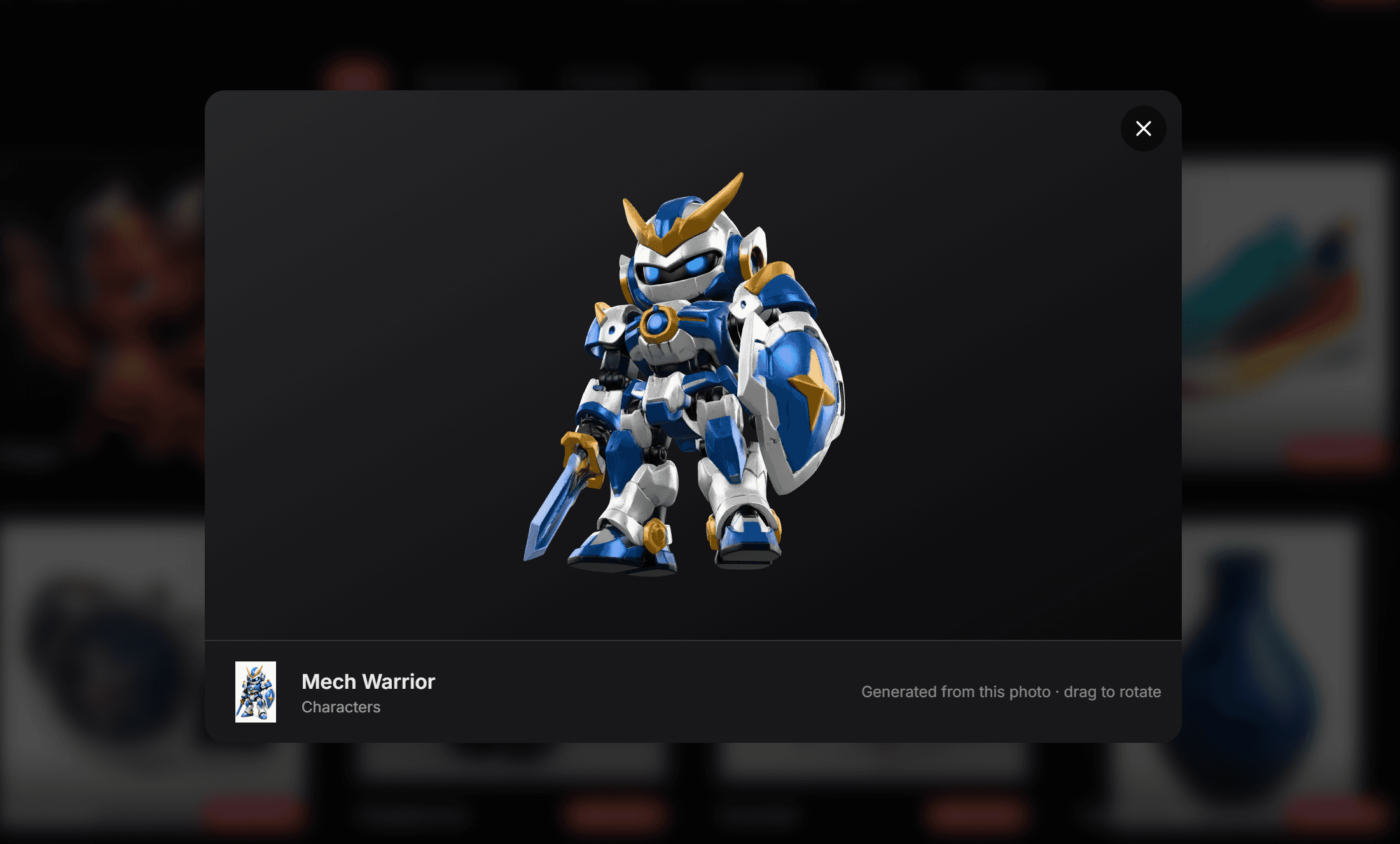
Introducing Our New 3D Model Generation AI: What's Improved and Why It Matters
Discover the latest improvements to our AI 3D model generation engine, including faster processing, improved geometry reconstruction, higher-quality textures, and better export compatibility.
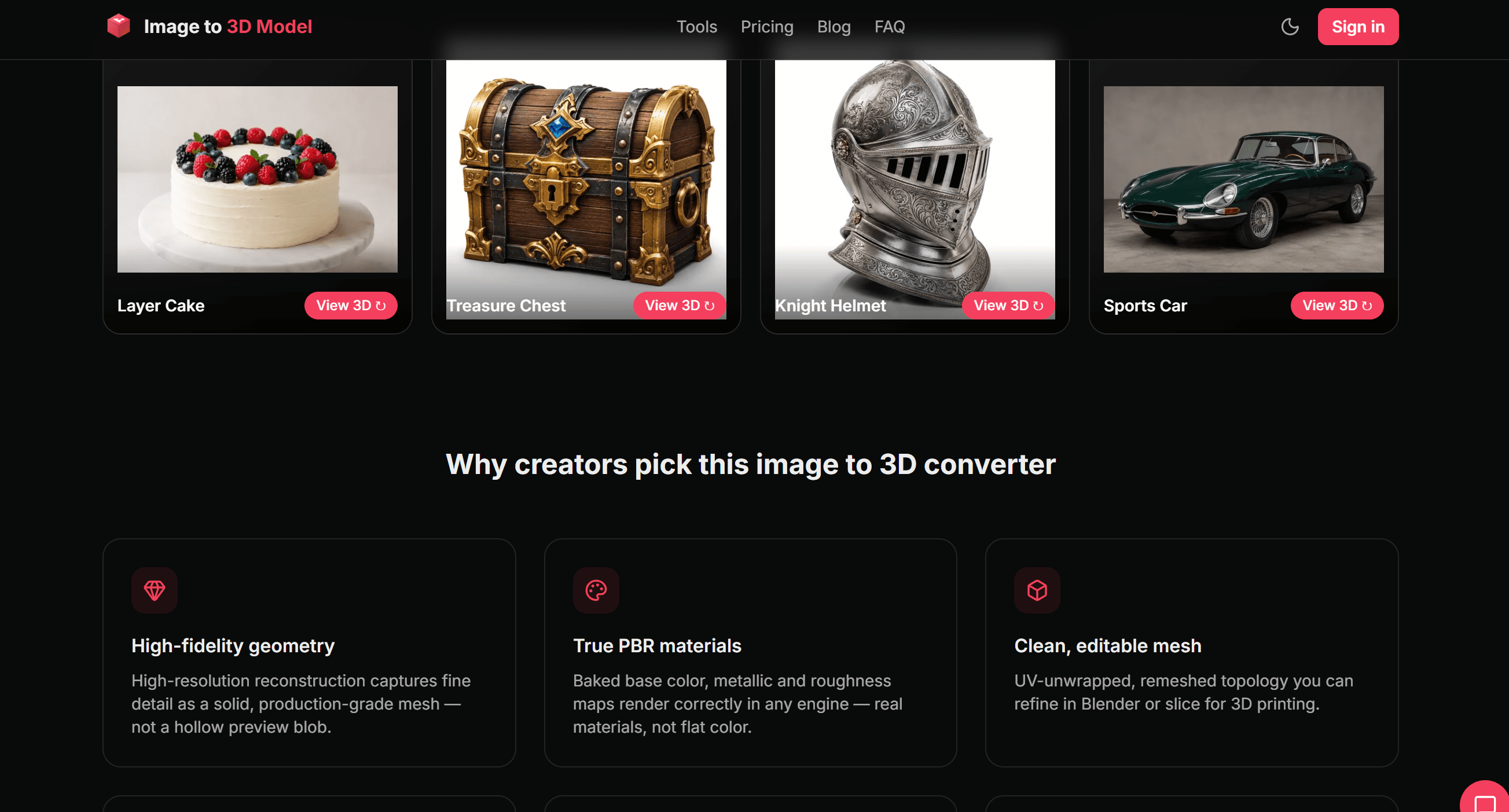
Image to STL: How to Convert a Photo into a 3D Printable Model
Learn how to convert an image into an STL file using AI. This beginner-friendly guide covers the complete workflow, common mistakes, and tips for creating 3D printable models.
Best AI Image to 3D Model Generators in 2026 (Free & Paid)
Looking for the best AI image to 3D model generator? Compare the top AI tools for turning images into 3D models, including features, pricing, output formats, and use cases.
How to Convert an Image to a 3D Model (Step-by-Step Guide for Beginners)
Learn how to convert a single image into a 3D model using AI. Follow this step-by-step guide to create 3D assets for printing, games, AR, VR, and product design.
Ready to turn your image into a 3D model?
Sign up and get free trial credits. Your first model is minutes away.
Try it free